


.png)


Overview
This article demonstrates how users can reset their password within the app using Supabase authentication, even without sending a reset password link via email. The solution targets users who are already logged in and wish to change their password for security or other reasons.
Prerequisites
- Supabase
- FlutterFlow
Supabase
Supabase is an open-source Backend-as-a-Service (BaaS) platform that offers a scalable backend for building web and mobile applications. It provides developers with tools to set up a complete backend without manually configuring databases or authentication systems. Supabase is often described as an alternative to Google Firebase, but with a stronger focus on open-source technologies and relational databases like PostgreSQL.
%20(3).png)
Follow the steps below to set up your Supabase project:
1. Set up a Supabase Project
- Go to Supabase.
- Sign in or create an account.
- Create a new project:
- Enter the project name.
- Choose a region.
- Set up a database password (keep it secure).
- Wait for the project to initialize.
2. Enable Authentication Provider
- In your Supabase project dashboard, navigate to Authentication > Settings.
- Under the Provider section, enable the authentication method:
- Email/Password: Toggle it on.
3. Configure API Keys
- Go to Project Settings > API.
- Copy the
Project URLandAPI Key(usually theanonpublic key). You'll need these to configure the client-side.
%20(6).png)
FlutterFlow
FlutterFlow is a low-code development platform built on top of Flutter, Google's open-source UI toolkit for building natively compiled applications for mobile, web, and desktop from a single codebase.
Follow the steps below to set up your FlutterFlow project:
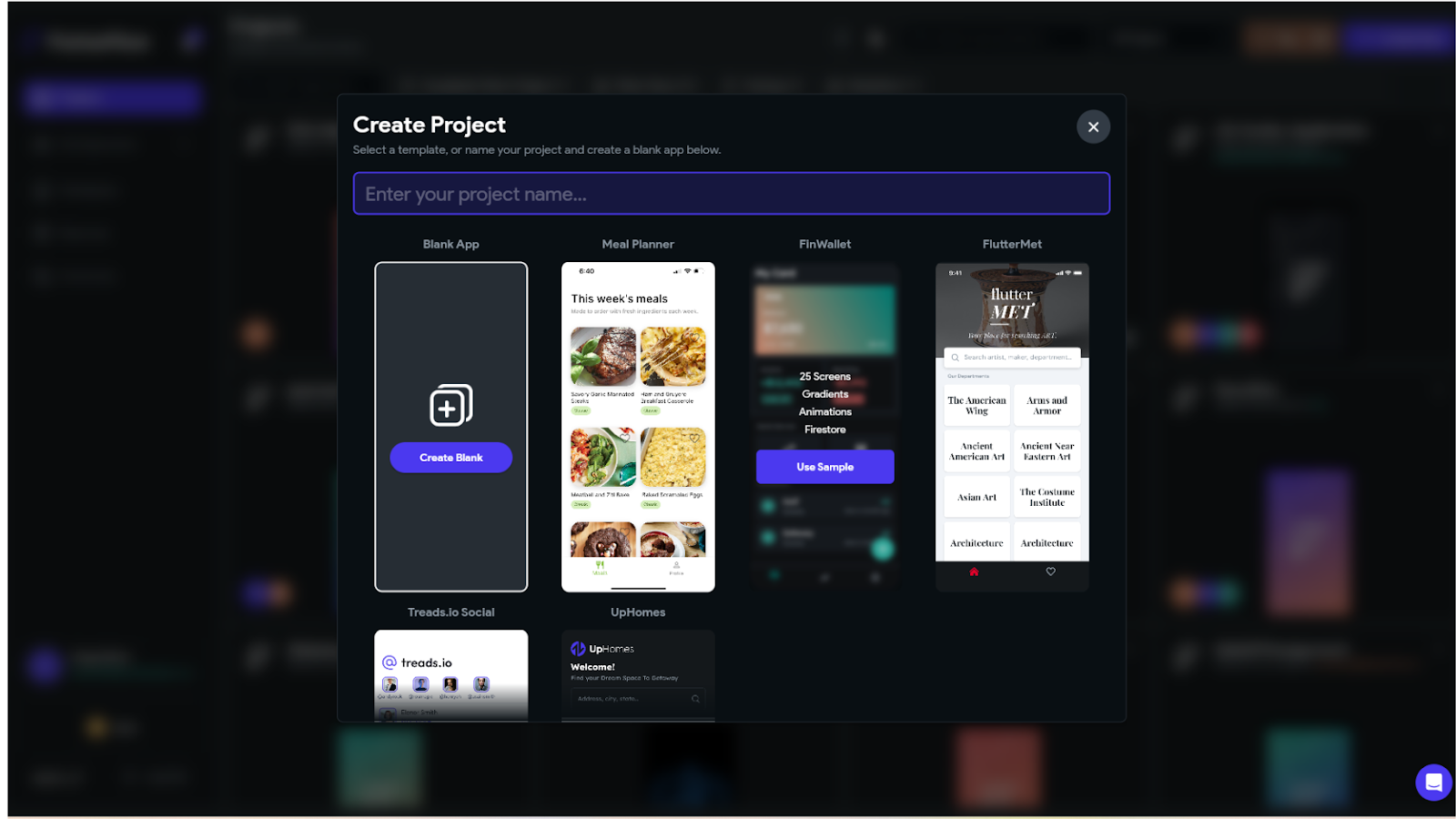
1. Create a FlutterFlow Project
- Go to the FlutterFlow console.
- Click on Create a project and follow the instructions to set up a new project.
2. Enable Supabase Authentication in FlutterFlow
- In the settings, enable authentication and select Supabase as the authentication type in the FlutterFlow console.
- Set up the entry and login pages.
- Enable Supabase in FlutterFlow and fill in the API URL and Anon Key from Supabase.
%20(7).png)
- Go to the Supabase project, select Project Settings, choose API, then copy the URL and Anon Key, and paste them into the FlutterFlow console.
3. Flutterflow Functionality
- Created a simple Sign in and Sign up page in flutterflow project.
- Upon signing in or signing up, users are directed to the Password Reset page. Currently, this page is accessed directly; you can implement this functionality based on your specific requirements.
- Password Reset page design : -
.png)
- When the user clicks the 'Reset Password' button, it will first verify if the 'New Password' and 'Confirm New Password' fields match.
.png)
- If the verification fails, display an alert message such as 'Passwords do not match.' You can customize the message as needed.
- If the verification success, call the custom action(resetPassword).
- Custom Action : -
// Automatic FlutterFlow imports

import '/backend/supabase/supabase.dart';

import '/flutter_flow/flutter_flow_theme.dart';

import '/flutter_flow/flutter_flow_util.dart';

import '/custom_code/actions/index.dart'; // Imports other custom actions

import '/flutter_flow/custom_functions.dart'; // Imports custom functions

import 'package:flutter/material.dart';

// Begin custom action code

// DO NOT REMOVE OR MODIFY THE CODE ABOVE!


Future<bool> resetPassword(

  BuildContext context,

  String email,

  String apiUrl,

  String serviceRoleKey,

  String newPassword,

  String oldPassword,

) async {

  // Add your function code here!

  final supabase = SupabaseClient(apiUrl, serviceRoleKey);


  try {

    // Step 1: Authenticate user with old password

    final response = await supabase.auth.signInWithPassword(

      email: email,

      password: oldPassword,

    );


    // Step 2: Update password if authentication is successful

    await supabase.auth.updateUser(

      UserAttributes(password: newPassword),

    );

    _showAlert(context, 'Success', 'Password updated successfully');

    return true;

  } on AuthException catch (e) {

    _showAlert(context, 'Error',

        e.statusCode == '400' ? 'Invalid old password' : e.message);

        return false;

  }

}


void _showAlert(BuildContext context, String title, String message) {

  showDialog(

    context: context,

    builder: (BuildContext context) {

      return AlertDialog(

        title: Text(title),

        content: Text(message),

        actions: <Widget>[

          TextButton(

            child: Text('OK'),

            onPressed: () {

              Navigator.of(context).pop(); // Close the dialog

            },

          ),

        ],

      );

    },

  );

}
- The code provides a seamless way for users to authenticate using their old password and then update it with a new one. The process involves the following steps:
- Authentication with the Old Password: The user is authenticated using their current password via Supabase’s
signInWithPasswordmethod. - Password Update: Upon successful authentication, the password is updated using Supabase’s
updateUsermethod. - Error Handling: If the old password is incorrect, an error message is displayed; otherwise, the password update is confirmed with a success message.
- Authentication with the Old Password: The user is authenticated using their current password via Supabase’s
This method ensures that the password reset occurs directly within the app, providing a smooth and secure experience without requiring external email communication.
Conclusion
By combining Supabase Authentication with FlutterFlow, you can provide users with a secure and seamless way to reset their passwords directly within the app—without relying on email reset links. By verifying the user's existing password before allowing changes, this approach enhances security and prevents unauthorized access.
With a clear UI flow and proper error handling, this method simplifies password management while delivering a better user experience and a more secure authentication system.
.jpg)

View more blogs






.png)
.png)
.png)

Ready to develop your own product? Get in touch today!
Get in Touch